Trigger actions
An employee must be assigned to the shop with a Shop Owner Admin role to perform actions referred to in this article.
A trigger runs one or more actions when its event occurs. Actions run in the order they appear in the trigger's action list.
Set Order status
Sets order status of the corresponding order to a certain value. You can select one or several statuses to change.
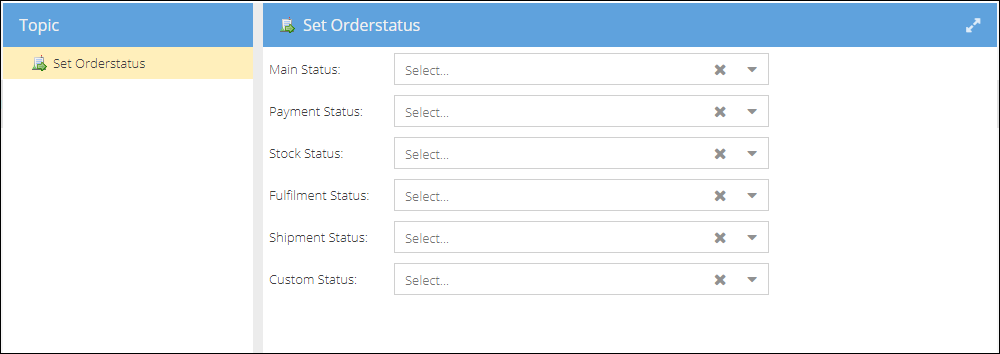
For example, suppose the order was created manually (and not imported from one of the shops). In that case, you might want to automatically change the order status to "Manual", for example, to distinguish these orders from the ones imported from the shops.
Set Invoice status
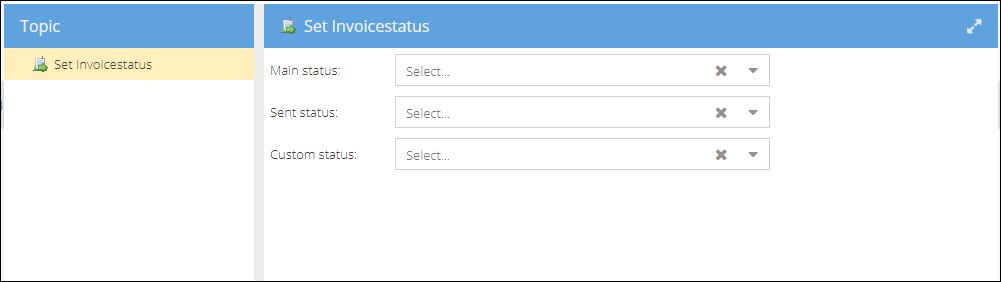
Sets invoice status of the corresponding invoice to a certain value.
Select a status or several statuses to change. The status will be updated to the status selected, disregarding the invoice's current status.
Set Purchase Order Status
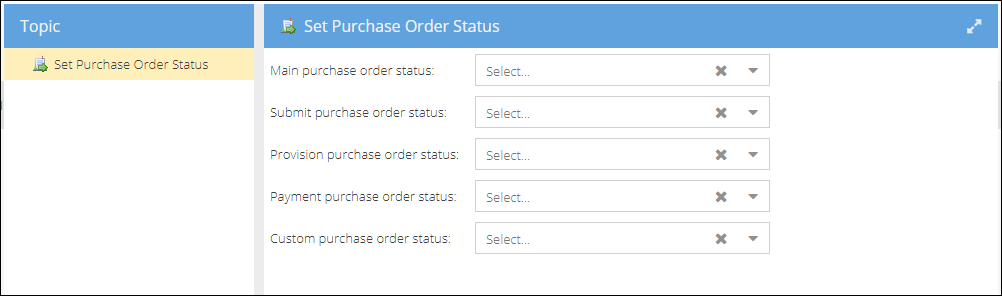
In the same way, you could change the purchase order status as a result of a certain event.
Send email
You can select a mail template to use, decide whether a mail needs attachment (like invoice document auto-generated). Check the single execute checkbox to exclude repetition. The email will be sent only once.
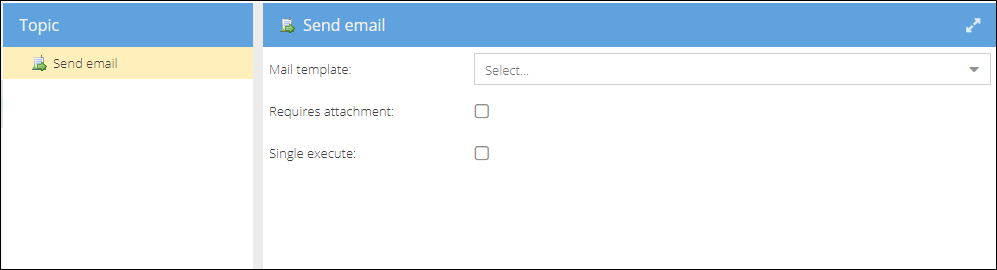
For example, you can set up an order confirmation email that will be sent after the order was imported or created manually. You can use any shop, customer, or order-related merge fields to populate the mail with relevant data. See more on Email templates.
Call Webhook
You can configure webhooks to be sent to your external target applications after a certain event in ShopCtrl.
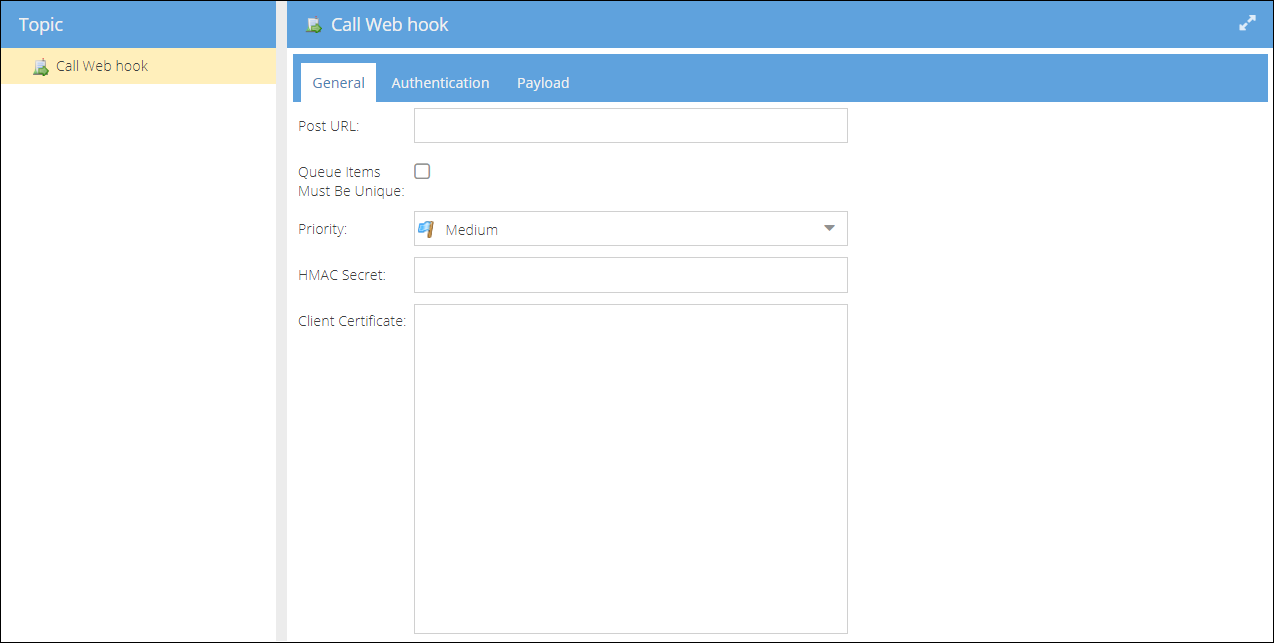
For more information on the webhooks setup, please see Webhooks.
Create Shipment
It could be used to automatically create shipments when an order is fully allocated.
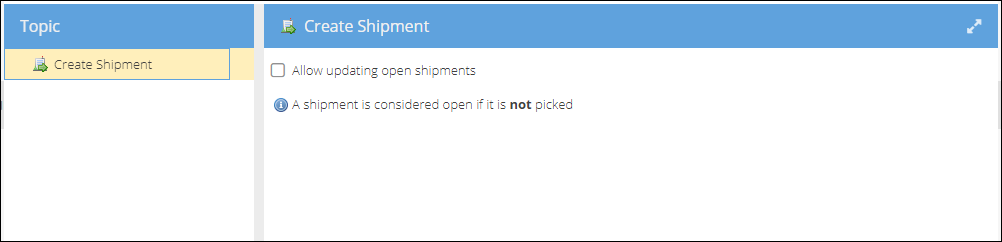
For the full settings, see Create a shipment when stock is fully allocated.
Create Invoice
With this action, you can configure the moment an invoice is generated. What items will be included in the invoice is configurable: You could also specify what items will be included in the invoice:
- Complete order (Default)
- Shipped items

For example, you can create the invoice as soon as an order is added, or only once it is shipped. See Trigger examples.
Allocate stock
With this action, you could specify when you would like to reserve (allocate) the stock for the order.
You could also specify whether to allocate the previously deallocated order rows.

Depending on your internal processes, you could set this moment to be when:
- Order invoices all paid
- Order invoices partial paid
- Order down payment done
- Order payments done
Deallocate Stock
Sets the moment to deallocate stock. Handles the scenarios with the orders put on hold by any reason. For example, you could use it together with the "Order main status changed, Base status: Pause" event.
Set Carrier Account
You can configure a trigger to change a carrier account to a specific one for a certain shop.

Set Shipment Shipped
Sets a corresponding shipment status to shipped.
Create Document
You can set this trigger to generate the event-related document using the template chosen. Follow it with sending email action to auto send a document to the addressee.

Create Alert
You can specify the alert type, severity, title, and message that will be displayed after a certain event.
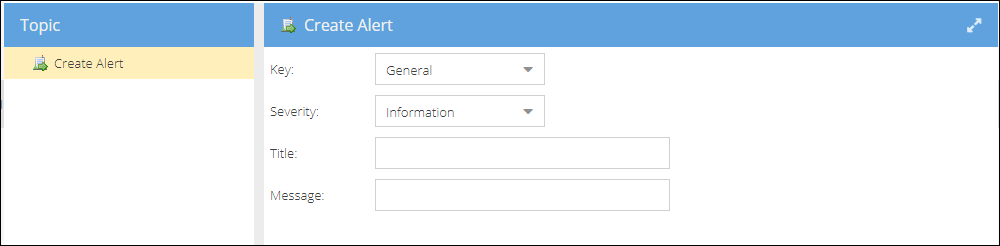
The most common use is to create an alert when handling backorders. You could use the "Order has one or more order rows not in stock" event to configure this. The alert will be created for each new backorder to guarantee that the situation will be addressed immediately.
Create ticket
After any order-related event, you can configure trigger to create a ticket of a certain type and assign it to a certain employee group to handle.

Trigger Condition
With the Trigger condition action, you can control whether the remaining actions in a trigger should execute based on entity properties. This allows you to build conditional workflows without creating separate triggers for each scenario.
For more information, see Trigger Action: Condition.